
From Template To Published Guide: User Manual Software In Practice
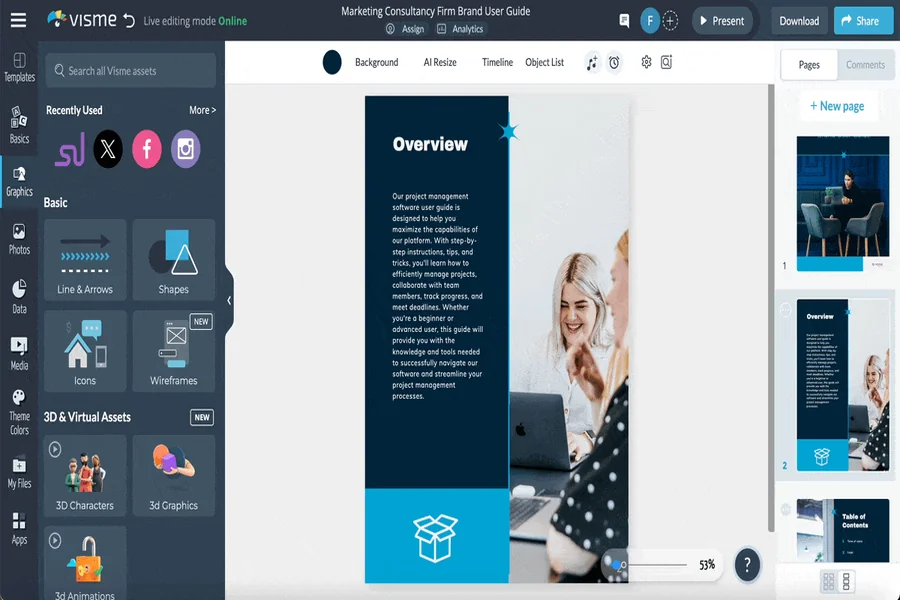
A user manual rarely starts as a finished thing, whether it’s written by a solo developer at a SaaS startup or a documentation specialist on a larger IT team. It starts as an empty project, a product with plenty of undocumented screens, and someone who has to make sense of all that for a customer or a colleague. Some of that work happens in a rush, right before a release. The process looks different depending on the tool, but a few stages tend to repeat regardless.
Starting With an Outline Already in Place
Most manual software worth using ships with a template to begin from, whether that’s a software manual layout or a general knowledge base structure. A product manager or developer opens the project, picks whichever structure fits, and starts filling in sections rather than starting from nothing. Building on a decent starting template like this, user manual software tends to produce a more consistent result than one built from a blank page.
Capturing the Screens Themselves
The next stage is screen capture. A developer grabs the relevant window, and the tool recognizes buttons, fields, and menus inside it instead of leaving that to be done by hand. Not every tool handles this step the same way. Some ask a writer to draw every callout manually, which works but takes longer across a busy SaaS product. This is usually the most time-consuming part of building a manual from a working product.
Organizing by Topic Rather Than Page Count
Once screens are captured, they need somewhere to live. A tool organized around individual topics, rather than one long document, lets a writer see the manual’s shape without endless scrolling. Topics can usually be reordered, nested, or marked with a status, useful for teams maintaining several product versions at once. A manual with no topic structure tends to get harder to navigate as it grows.
Publishing Somewhere Someone Will Read It
The final stage is publishing, and this is where a lot of tools fall short. A finished project might need to become any of the following:
- A searchable web page for a support site
- A printable PDF for a client or partner
- A compiled help file for a desktop product
Handling all three from the same source avoids rebuilding the manual separately for each audience, customer, support team, or IT department alike.
Getting the whole path right, from template through publishing, is less common than it should be among documentation tools. Dr.Explain is one program built around that entire sequence. It’s a documentation tool designed for Windows-based software manuals, combining screen capture, automatic UI detection, and multi-format publishing within a single project. That means a team doesn’t have to stitch several tools together to get from template to finished guide.
Takeaways
Skipping any one of these stages tends to show up later, during the next release when nobody remembers why a screenshot doesn’t match. Whether a team needs a tool covering the whole path or just enough to get by depends on how often the product changes. It also depends on how many people beyond the original writer end up relying on the manual.